
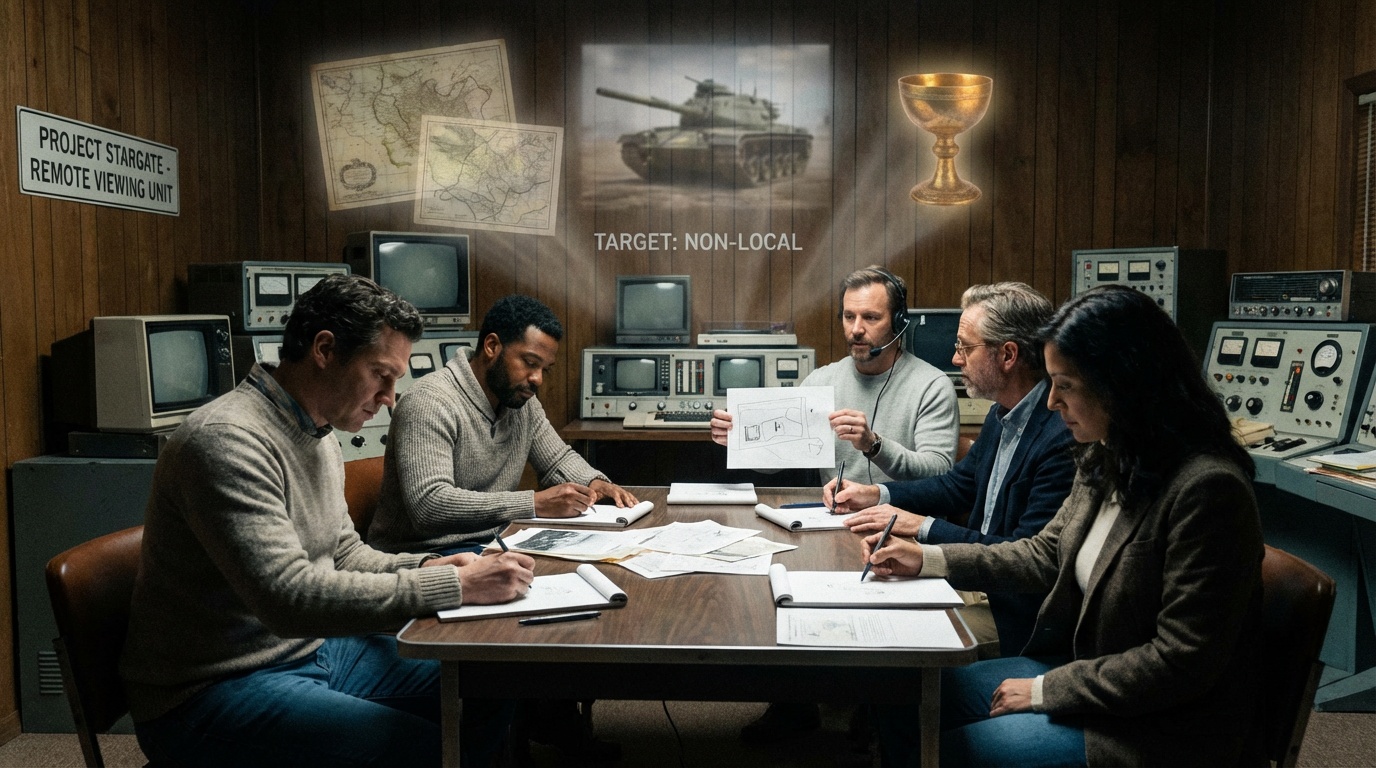
Begin a practical path into structured perception. The Verevio app lists over 5,900 manually verified targets for anyone who wants to practice remote viewing and improve accuracy through daily sessions.
The CRV method, shaped by pioneers like Ingo Swann, gives clear steps to help a viewer focus the mind and collect useful information. Researchers at the Stanford Research Institute explored these protocols in the Cold War era, adding scientific weight to the practice.
On this page you can access a curated target pool designed to test your skills. Each link points to a specific number that helps keep sessions controlled and consistent.
By clearing your mind, setting a time limit, and following CRV prompts, you can begin to view distant scenes with more clarity. Use the linked resources to expand practice and learn more about related tools like the Pleiadian system or tarot techniques at Pleiadian resources and a practical tarot reading page.
Key Takeaways
- The Verevio app offers 5,900+ verified practice targets for consistent sessions.
- CRV is a structured protocol developed with input from Ingo Swann.
- SRI research provided early scientific investigation into the method.
- A curated target pool on this page helps train the subconscious mind.
- Links on the page lead to specific numbers for controlled testing.
Understanding the Basics of Remote Viewing
Structured practice turns scattered perceptions into actionable information for the viewer.
Defining the target
A target can be any object, location, or event in space or time. In controlled remote viewing (CRV), a hard target is a provable item like a photo that gives clear feedback. Esoteric examples with no verifiable data are avoided to protect training quality.
The Role of Feedback
Feedback lets a viewer score a session by comparing impressions to the actual image. Good feedback improves development and boosts accuracy over time.
“Research by Harold Puthoff and Russell Targ helped establish that perception can be trained under laboratory protocol.”
- CRV was developed in the early 1980s to add structure to the process.
- Ingo Swann’s Jupiter description later matched spacecraft data, an important example of verifiable success.
- The Star Gate program validated many controlled sessions under strict conditions in the 1980s.
| Element | What it is | Why it matters |
|---|---|---|
| Hard target | Prove-able item such as a photograph | Provides solid feedback for scoring |
| Protocol (CRV) | Step-by-step method for session control | Improves consistency and training |
| Feedback | Comparison of impressions to actual data | Drives development and accuracy |
| Training | Regular practice and scoring | Fosters perceptual abilities in viewers |
For a deeper look at how psychic skills relate to this work, see psychic superpowers.
Accessing Free Online Coordinate Remote Viewing Target Pools
Access a structured list of numbered scenes to sharpen your sense impressions and log measurable results.
The Verevio app supplies 5,900+ manually verified entries rich in entropy and mystery for practice.
Each entry includes GPS location, exact dates, origin data, and a tasking cue so a viewer knows what to describe. A single number acts as the focal point that helps the mind lock on an image.

Typical preparation takes about 5–10 minutes. Gather blank white paper and a black-ink pen, sit quietly, and set a time limit. The feedback link often goes live after a four-day embargo to keep sessions blind.
“A clear tasking and sealed feedback let viewers measure impressions against the actual photo and improve over time.”
- Target Vault managed by Paul H. Smith offers cumulative sets for all skill levels.
- Every target photo is handpicked for strong energy, emotional resonance, and historical weight.
- Guided onboarding tutorials in the app help new viewers learn the session format and scoring.
To expand your study and find development tools, see the psychic development resources page at psychic development resources.
Essential Protocols for a Successful Session
A steady protocol helps a viewer move from vague sensation to clear, usable impressions during a session.
Preparing Your Environment
Choose a quiet space and set aside a block of uninterrupted minutes. Sit with blank paper and a black pen. Write the start time and date in the upper right corner of your sheet before you begin.

Managing Frontloading
Use only minimal, neutral frontloading. For example, note if the number is linked to a location or an object. Too much information spoils the process and biases impressions.
Recording Your Transcript
During a controlled remote viewing session, the viewer records every impression: shapes, textures, colors, and small details. Write plainly and avoid interpretation until after.
End the session by writing end or end session at the bottom of the transcript. The assigned number acts as the link to feedback; wait to check the photo until the session is fully closed.
“A clear protocol and honest record-keeping let the viewer score results and support steady development.”
For guided lessons and structured practice, see the psychic development course.
Developing Your Perception and Accuracy
Consistent practice turns scattered impressions into reliable descriptions.
Frequent, measured sessions let a viewer translate fleeting sensations into clear data and useful images. Commit to short blocks of minutes and a regular schedule. This habit strengthens perception and builds a verifiable record.
The Importance of Consistent Practice
Daily training matters. Research examples, such as experiments at the Stanford Research Institute where Ingo Swann described a moth in a sealed box, show that disciplined work produces testable results.
Use varied, entropy-rich targets to keep your senses agile. The Verevio app’s 5,900+ entries offer rotation so a viewer can practice many scenes and locations.
“A steady protocol and honest transcripts create a personal archive of development.”
- Track each session and compare impressions to feedback images for accuracy.
- Rotate images and events to expand range and avoid habit-based errors.
- Log results in a simple record to monitor growth over time.
| Practice Element | What to do | Why it helps |
|---|---|---|
| Short sessions | 10–20 minutes, focused | Maintains clarity and reduces fatigue |
| Varied targets | Mix landscapes, structures, events | Builds flexible perception across images |
| Transcript + feedback | Record impressions, then compare | Measures accuracy and guides development |
| Structured method | Use CRV steps and scoring | Improves consistency and training progress |
For guided exercises and foundational techniques, see psychic development techniques to support steady growth.
Conclusion
Consistent practice and honest records turn impressions into measurable progress for any serious viewer. Use a trusted target pool like the Verevio listings to rotate viewing targets and track results.
Keep each remote viewing session brief and focused. Record the number and impressions on paper, then wait for feedback to preserve blind conditions and protect accuracy.
Whether you are building abilities or refining skill, steady training deepens perception and supports development. Visit our psychic development services for structured lessons and resources that sit at the bottom of our resource list and help you plan your next session with clarity.