

Give your desktop a fresh, lively look with animated visuals that change how you feel when you sit down to work or play. The app turns static screens into moving displays that add color and motion to any room.
Users like the simple setup and eye-catching results. About 70% of 62 reviews call the tool reliable and well-designed. That community feedback shows it performs well for home use.
This dedicated page outlines how to use high-quality animated wallpapers and how they improve your digital space. Visit our color and healing guide to learn more about visual impact, or follow a quick setup guide for customization tips.
Key benefits: modern look, easy customization, and constant visual interest for every user.
Key Takeaways
- Animated wallpapers refresh your screen and mood.
- 70% of 62 reviews report a positive experience.
- The page explains setup and customization options.
- The app keeps your digital space modern and engaging.
- Visit the website for more guides and design ideas.
Transform Your Desktop with Aura Wallpaper
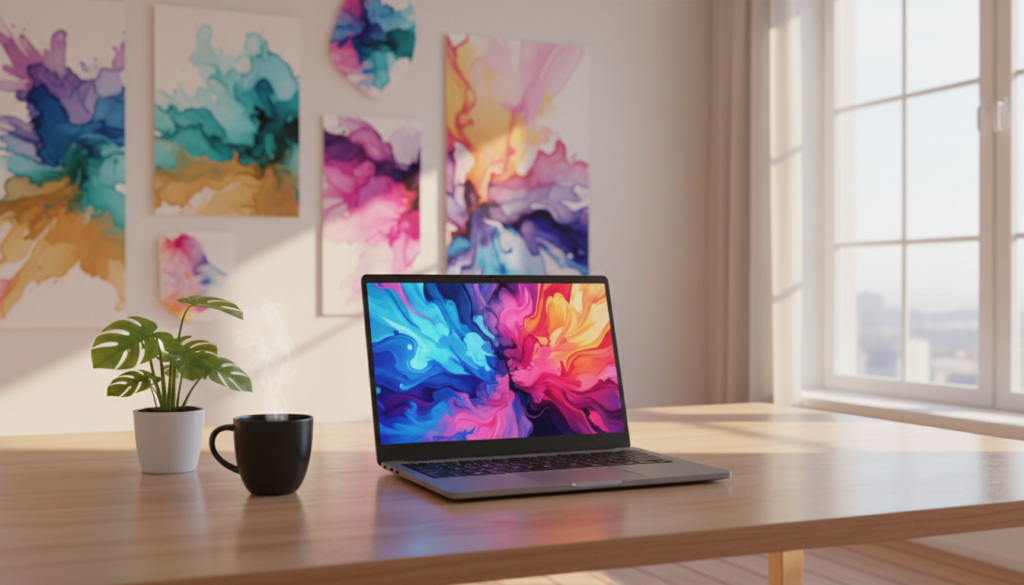
Turn a static screen into a lively display that fits your style and workflow. This tool brings animated backgrounds to Windows 10 and Windows 11 with simple setup and smooth playback.
What it does:
- Displays any HTML page or embedded video directly on your primary screen, including YouTube content for dynamic scenes.
- Offers a large library of wallpapers to match a home office, gaming setup, or professional desktop.
- Delivers high-quality content that makes daily tasks feel more vibrant and engaging.
Customize your desktop by selecting the right aura for your interface. Choose motion, color, and pace to reflect personal taste while keeping a clean, professional look.
Want more ways to extend your setup? Try an online guide for visual tools or energy techniques to refine the look and feel of your workspace: desktop visual tools and energy techniques and tools.
Technical Features and System Requirements
Start by verifying that your device has a 64-bit processor and a compatible Windows build. This step prevents slow playback and display problems.
Compatibility and Performance
Minimum needs: a 64-bit processor and Windows 10 or Windows 11. Your PC must meet these specs to show high-definition animated content without lag.
Tip: Check the official website to confirm your hardware supports the required features before installing.
Installation and Setup
Configure the experience through the Armoury Crate application. The app must be higher than V5.0 to apply settings and manage the animated background across devices.
- The installer replaces the default desktop background with dynamic content while keeping your screen responsive.
- Setup is straightforward: launch Armoury Crate, choose the desired page or content, and apply it as your background.
- Designed to run across multiple devices, the software keeps performance steady on compatible machines.
“Confirming system compatibility saves time and ensures a smooth visual experience.”
Need personalized help? Find a tarot card reading near me for local support and setup tips.
Customizing Your Visual Experience
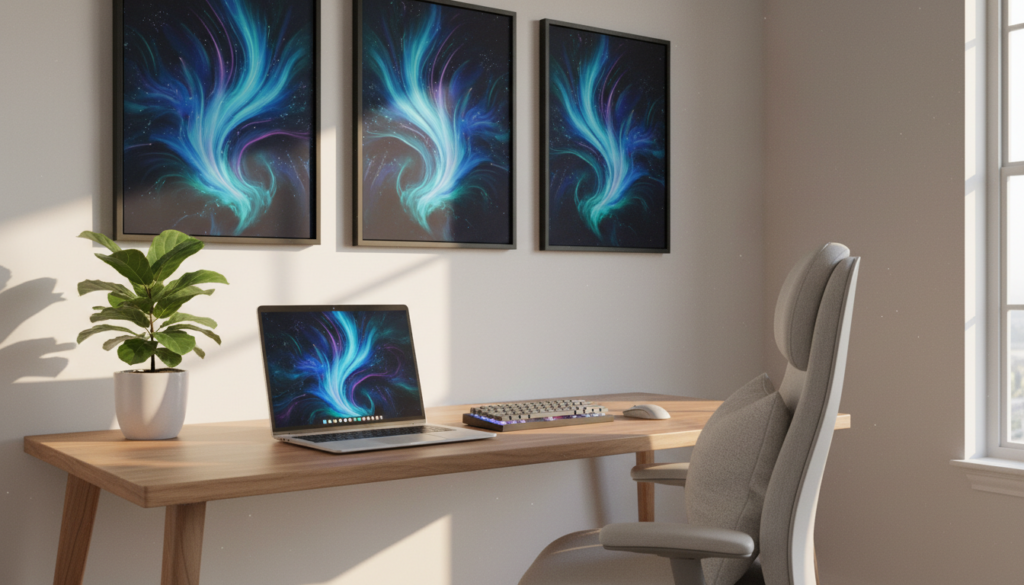
Give your setup cohesion by letting background motion drive your peripheral lighting.
Turn your desktop into a true RGB device that reacts to the content on your primary screen. The system treats the whole computer as a single visual unit.
Synchronizing Lighting Effects
Use Aura SYNC to link screen colors with external lights. That sync creates a seamless flow from display to keyboard, mouse, and chassis lights.
- Set the page settings to mirror animated tones and motion across devices.
- Choose lighting effects that complement the animated content for better immersion.
- Manage device groups so every connected piece reflects the same color scheme.
| Feature | What it Does | Why It Helps |
|---|---|---|
| Desktop RGB Mode | Turns the desktop into an RGB-capable device | Creates dynamic lighting that matches on-screen visuals |
| Device Sync | Links display colors to keyboards, mice, and laptops via SYNC | Offers a unified look across your setup |
| Effect Presets | Apply lighting profiles from the settings page | Makes it quick to match background and peripheral tones |
Want deeper control? Try a guide on psychic development techniques to explore mood and color pairing ideas for your setup.
Conclusion
Give your desktop an instant energy boost with animated backgrounds that fit any style.
Aura wallpaper is an essential product for anyone who wants to bring vibrancy to a home office or gaming setup. The app offers a wide range of wallpaper choices so every user can find a look that suits their taste.
The tool updates your screen smoothly and keeps performance steady. Its easy interface and robust feature set make it a top pick for users who value both design and speed.
Ready to customize your page? Visit our free online tarot reading and the main website to download the latest version and start transforming your desktop today.