

This short guide introduces the key steps for overseeing a CRV session and supporting a viewer with clear structure and calm focus.
Rooted in the SRI‑International protocols, CRV grew from formal training delivered in 1983–1984 at Ft. Meade. The Coordinate Remote Viewing manual serves as the core reference for theory and practical mechanics.
As a monitor, you keep the session on track, protect the site information, and help the viewer stay in the right state. You note impressions, colors, shapes, and any image or form that arises. You also manage noise and distractions so data quality stays high.
Practical skills include mastering the stage sequence, giving clear prompts, and offering timely feedback that improves interpretation. Regular practice builds awareness and refines perception in real sessions.
Key Takeaways
- CRV relies on structured protocols developed at SRI‑International.
- Ft. Meade training in 1983–1984 shaped the modern manual and practice.
- Monitors protect target site info and guide session stages.
- Tracking impressions, colors, and shapes aids accurate interpretation.
- Practice, feedback, and clear process controls raise data quality.
Understanding the Role of a Coordinate Remote Viewing Monitor
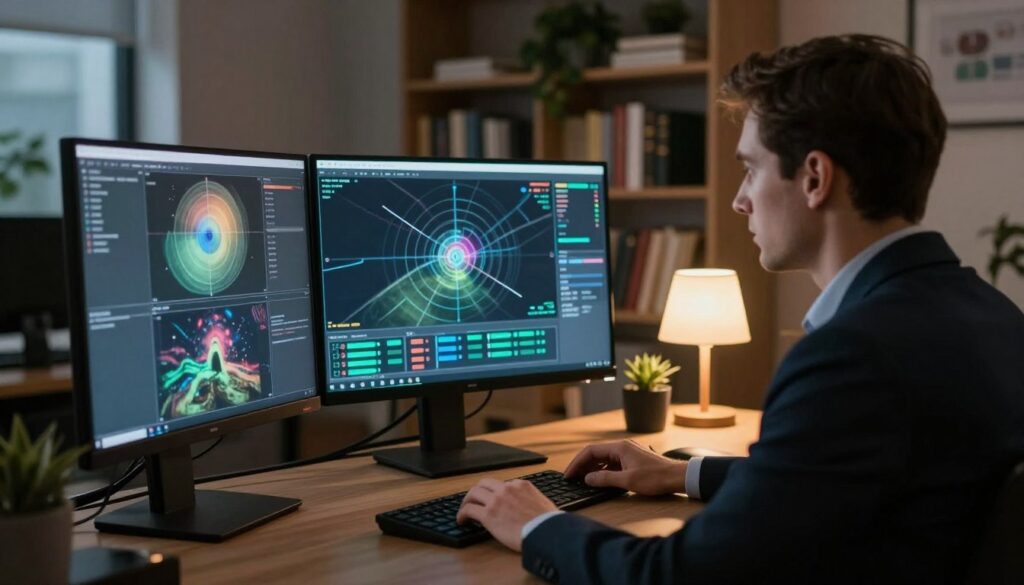
The monitor is the person who assists a viewer by delivering the coordinate and keeping the session on a strict procedural line. This role blends structure, protection, and gentle guidance so the viewer can focus on impressions without extra noise.
Defining the Monitor
The monitor holds the protocol and manages target site information. This preserves the session’s integrity and limits analytical interference.
The Monitor-Viewer Relationship
Trust and clear roles matter. The monitor provides objective feedback and stays neutral while the viewer reports data, images, and forms.
“The role of the guide is to protect the process, not to supply content.”
- Support: Keeps stages ordered and prompts crisp.
- Protection: Controls site details to reduce noise.
- Feedback: Offers measured input that improves interpretation.
| Responsibility | What it prevents | Outcome |
|---|---|---|
| Deliver coordinate | Bias from prior information | Cleaner sensory data |
| Maintain stage order | Protocol drift | Consistent session structure |
| Record impressions | Loss of data | Better interpretation post‑session |
Essential Skills for Effective Monitoring
Effective oversight depends on steady neutrality and tight adherence to protocol while the viewer reports impressions. Stay calm and impartial so the site information stays clean. That limits noise and protects the target data.
The role requires sharp awareness. Notice when a viewer hesitates or drifts and offer structure that restores stage order. Short prompts can refocus perception without supplying content.
Proficiency with SRI‑International training is essential. Use the manual as your reference and practice the sequence until it is fluent. Regular practice improves interpretation and builds confidence in giving feedback.
Maintain professional distance. That allows truly objective feedback and supports a viewer’s long‑term growth. Observe impressions, note colors, shapes, and images, and record data in real time.

- Neutral presence reduces contamination of information.
- Stage awareness signals when to prompt or pause.
- Objective feedback guides better interpretation over time.
How to Become a Coordinate Remote Viewing Monitor
Training for oversight blends protocol study, repeated practice, and careful handling of site information so sessions stay clean.
Study the program’s history, including the 1984 retirement of Major General Burt Stubblebine and the risks that threatened program continuity. That context sharpens your appreciation for protocol fidelity.
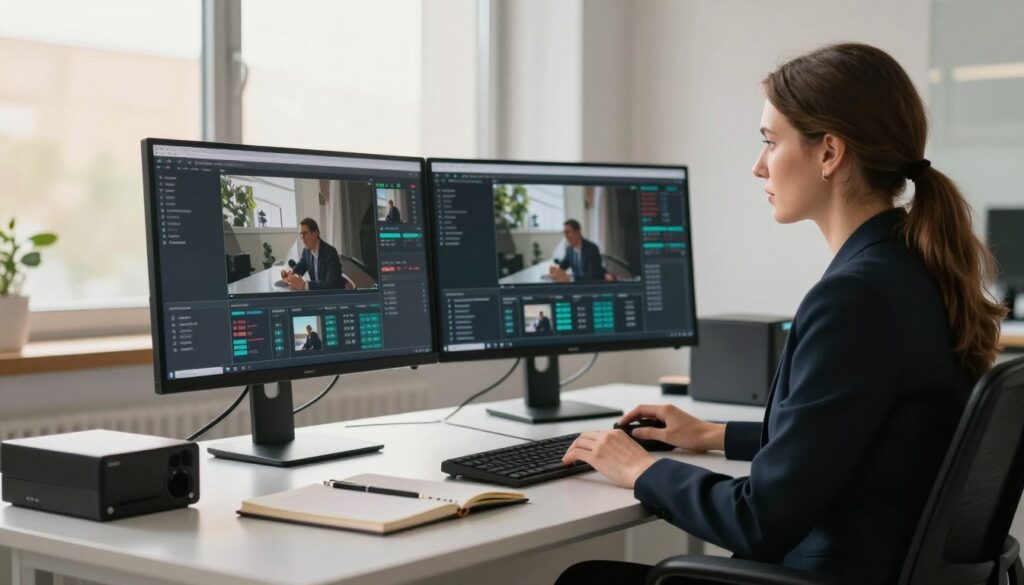
Practical steps include mastering the timing of the coordinate prompt and learning when to keep the viewer blind to the true target.
- Practice session routines until stage cues feel automatic.
- Manage target information so the viewer reports impressions, not assumptions.
- Learn to spot imagination: short pauses, overly detailed labels, or analytic leaps.
“Protect the process; let the data speak.”
Consistent practice builds awareness and improves feedback. That work raises data quality, reduces noise, and helps viewers report clearer images and forms.
For background on mental skills that complement training, see psychic superpowers.
Preparing the Physical Environment for Sessions
Design the viewing chamber to remove sensory clutter and support focused reporting of the target. A proper space helps the viewer gather clear information and steady data about the site.

Optimizing the Chamber
Keep the room quiet and visually plain. Use homogenous colors and minimal features so environmental overlays do not bias impressions.
Acoustic tiles or sound dampening cut noise that can corrupt data. Control lighting and atmosphere so the viewer can reach the required state quickly.
- Prep paper, pens, and timing devices before the session starts.
- Limit items in the space to essentials only.
- Confirm the site information remains sealed from the viewer.
| Element | Purpose | Benefit for the Viewer |
|---|---|---|
| Acoustic treatment | Reduce external noise | Cleaner data and fewer interruptions |
| Neutral surfaces | Minimize visual overlays | Fewer false images and forms |
| Prepared tools | Ready for recording | Smoother session flow and accurate notes |
Note: SRI‑International research highlights that careful preparation of the physical environment is fundamental. Small controls yield big improvements in perception and the quality of session output.
Establishing the Proper Mental State
Begin the session by guiding the viewer into a calm rhythm of breath that separates daily thoughts from receptive awareness.

Ask the viewer to close eyes and take slow, even breaths. This simple step helps the mind settle and opens access to signal line impressions.
Encourage release of expectations. Tell the viewer to let labels and judgement fall away so the analytic mind does not contaminate incoming information about the target site.
- If agitation persists, suggest a longer quiet period or a brief guided breath exercise.
- Use short, calm prompts that restore stage order without adding content.
- Record when the viewer reports clear images or sudden shifts; those mark useful moments of data.
“A quiet mind yields cleaner data and stronger perception.”
| State Indicator | Monitor Action | Expected Outcome |
|---|---|---|
| Restless breathing | Extend meditation, do paced breaths | Reduced noise; clearer impressions |
| Rapid thoughts | Prompt release of expectations | Less analytic overlay on information |
| Quiet focus | Proceed with stage prompts | Reliable data about the target |
Managing the Initial Ideogram Production
Stage I begins with a single, spontaneous mark that anchors the session and signals genuine reception.

The ideogram is a quick response to the target signal. The mark must appear in under two seconds. That limit keeps the viewer from planning or drawing deliberately.
If the stroke looks planned or slow, pause the session. Ask the viewer to close their eyes and try again. This simple reset protects the process and reduces imagination-driven noise.
After a valid ideogram, prompt brief descriptors. Ask for simple words about activity, sensations, or movement at the site. Keep prompts short and neutral.
- Watch timing closely; speed signals authenticity.
- Avoid leading questions; preserve raw information.
- Request one or two short descriptors, then move on.
“A genuine ideogram lets the data lead; the role is to hold the line.”
| Check | Action | Result |
|---|---|---|
| Ideogram time < 2s | Accept mark, request descriptors | Clean, spontaneous data |
| Deliberate drawing | Instruct viewer to close eyes and retry | Reduced imagination overlay |
| Unclear descriptors | Ask for one sensory word | Stronger basis for Stage II data |
Managing this first stage sets the foundation for the whole session. For background on related mental skills, see clairvoyant abilities.
Guiding the Sensory Data Collection Process
Ask the viewer to report simple sensations quickly, so raw data about the target site is captured before analysis sets in.
Stage II focuses on elemental impressions. The person should list colors, textures, temperature, and simple motion without naming objects.

Visual and Textural Channels
Prompt for quick notes on color, light levels, and surface feel. Short bursts of writing keep the mind from turning sensation into a story.
If the viewer starts naming the target, gently redirect them back to texture, weight, or temperature.
Auditory and Olfactory Inputs
Invite one-word sounds, tones, or smells that arise. Ask about distance and direction of sound rather than what produced it.
Encourage speed: capturing first impressions preserves the clearest information for later analysis.
- Systematically cover sight, touch, sound, and scent.
- Keep prompts brief and neutral; hold the line against interpretation.
- After the session, build a composite profile from the collected data.
For further practice and resources, see psychic development resources.
Facilitating Dimensional and Spatial Awareness
This stage invites the viewer to build a spatial model that shows relationships among site elements.
Start with simple measures: ask for height, width, and depth estimates. Keep prompts brief and neutral so raw data stays intact.
Guide the viewer to note where objects sit relative to one another. Ask about distances, angles, and whether areas feel open or enclosed. These cues turn scattered impressions into usable information.
Encourage quick, rough sketches that capture scale and placement. A freehand diagram helps lock proportions and supports later interpretation of the target.

- Probe height, width, depth in separate prompts.
- Ask for relational notes: left/right, near/far, above/below.
- Request a simple sketch when spatial layout is clearer.
“Spatial mapping turns sensory fragments into a coherent site portrait.”
| Action | Purpose | Expected Outcome |
|---|---|---|
| Probe dimensions | Define scale of elements | Clearer size estimates for the site |
| Map relationships | Show placement and distance | Better structural data for analysis |
| Sketch layout | Capture proportions quickly | Visual aid for later review |
| Keep prompts neutral | Preserve raw information | Reduced analytic overlay in sessions |
When these steps are steady, the viewer moves the session from sensation toward a useful map of the target site. For related guidance on subtle energy and direction, see send healing energy.
Techniques for Effective Target Sketching
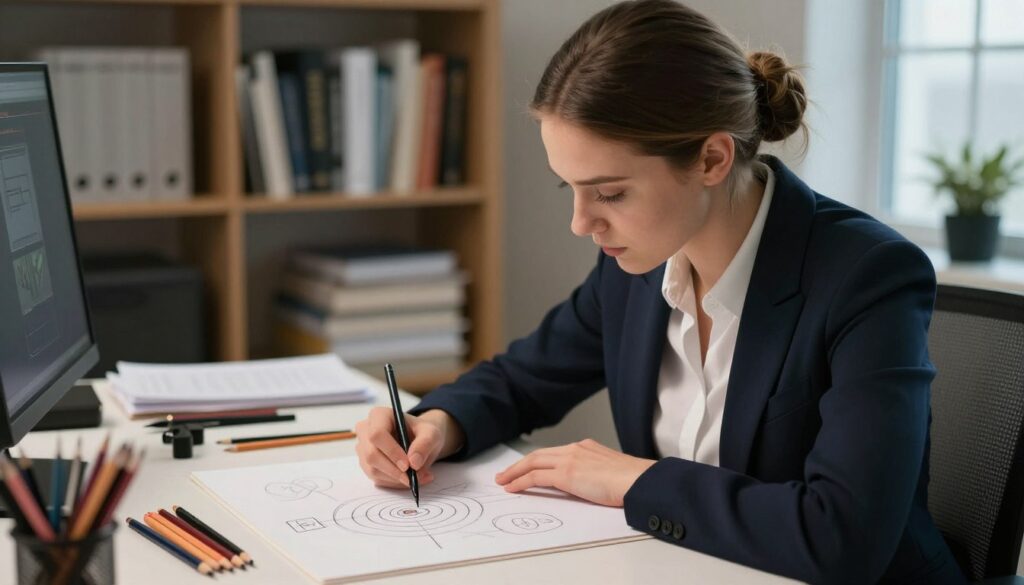
Turn scattered sensations into simple lines and labels that reflect the session’s data. Sketching organizes impressions and gives the viewer a visual record of what arose during the stage sequence.
Translating Data into Visual Form
Start with shapes, not names. Instruct the viewer to draw circles, rectangles, or simple outlines that show layout and scale. This keeps the work linked to sensory input rather than analytic guesses.
Label as you go. Ask the viewer to add short tags—texture, temperature, color words—near corresponding marks. Those notes anchor the sketch to the raw information collected earlier in the session.
Prevent erasing or heavy revision. Even conflicting strokes can reveal useful contrasts for later analysis. If drawing is difficult, suggest block forms that stand in for items or areas.
- Begin with quick, broad shapes to map the area.
- Add one-word descriptors beside each form.
- Keep lines simple and timing brief; avoid polishing the sketch.
“A rough sketch with sensory tags often yields clearer leads than a refined but assumed picture.”
| Action | Purpose | Benefit |
|---|---|---|
| Draw simple shapes | Capture spatial layout | Faster, less biased visuals |
| Label with sensory words | Link marks to concrete data | Stronger traceability in analysis |
| Refuse erasure | Preserve contradictory impressions | Richer data for final interpretation |
Identifying and Mitigating Analytical Overlay
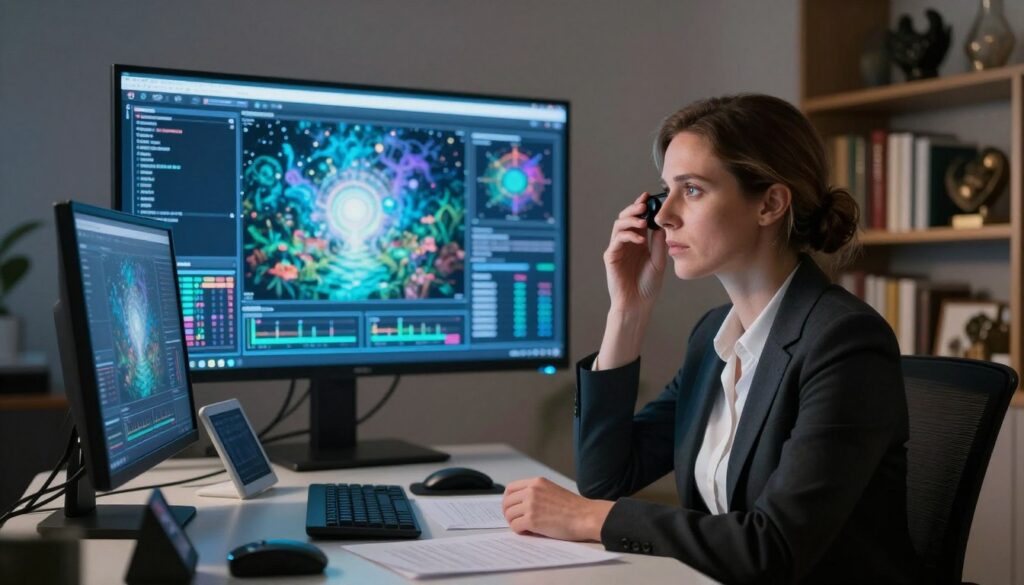
Spotting early analytic overlay keeps the session clear and preserves raw impressions. The sooner the monitor names AOL, the quicker the viewer can separate label from signal. This preserves usable information and reduces wasted time.
Recognizing Naming Overlays
Naming overlays appear when a viewer replaces sensation with a label. One-word names or early guesses often signal this shift.
Ask the viewer to write the label and then return to simple descriptors: color, texture, or motion. That declaration locks the label on paper and protects the raw data underneath.
Handling Analytical Drive
When a viewer insists on naming the target, use an AOL break. Pause the stage and guide them back to elemental impressions.
Short prompts restore process order and free the mind to collect fresh information. This refocus boosts later interpretation and perception.
Managing Peacocking
Peacocking is elaborate storying about the site. Intervene quickly and calmly. Tell the viewer to stop narrative and resume simple notes.
Maintaining structure and clear stages is the most effective defense. The monitor’s ability to spot AOL separates useful sessions from derailed ones.
“Declare the label, then return to sensation—protect the signal, not the story.”
| AOL Type | Cue | Monitor Action | Result |
|---|---|---|---|
| Naming overlay | Early object labels | Have viewer write the label, then request sensory words | Labeled guess sealed; raw information preserved |
| Analytical drive | Fast explanation, long speech | Pause stage; give brief elemental prompts | Session returns to data collection |
| Peacocking | Elaborate scenes, details added | Interrupt narrative; enforce stage order | Reduces imaginative contamination |
| Slow ideation | Overthinking before mark | Reset ideogram and repeat under time limit | Restores spontaneous impressions |
Navigating Advanced Stages of the Protocol
Later stages shift the task from simple impressions toward detailed, spatial reconstruction of the site and its internal relations.
Stage VI asks the viewer to assemble three‑dimensional models that show how elements sit and relate. The monitor confirms earlier work is solid before pressing toward qualitative precepts in Stage V.

Watch for analytical overlay. Higher‑level data breaks down quickly if names or stories slip in. Pause and return the viewer to elemental notes when that happens.
The monitor also prompts for emotional tone and subtle impressions. Short, neutral cues let the viewer explore depth without replacing signal with imagination.
- Ensure foundational stages are complete before advanced probing.
- Use brief prompts that build depth and precision.
- Note any labels and seal them on record, then resume sensory work.
| Focus | Monitor Action | Expected Result |
|---|---|---|
| 3‑D modeling | Guide relational prompts | Clear spatial map |
| Qualitative precepts | Confirm prior stage data | Reliable higher‑level notes |
| Emotional tone | Ask one‑word descriptors | Richer context for interpretation |
Providing Objective Feedback After Sessions
Immediate, factual feedback turns impressions and sketches into useful training material for future sessions.

Begin with a calm review. The monitor and viewer sit with the notes and compare sketches against the actual site. Keep the conversation focused on recorded data, not stories.
Point out both hits and misses. Note where impressions matched reality and where they drifted. This balanced view helps the person recognize patterns of accuracy.
- Read notes aloud, line by line, and mark verified items.
- Highlight consistent strengths and repeat errors.
- Set one clear skill to practice before the next session.
“Seal labels, record contrasts, then return to simple descriptors—this is how the process improves.”
| Action | Purpose | Outcome |
|---|---|---|
| Compare sketches with target | Check spatial and sensory matches | Clear view of accuracy vs. guesswork |
| List verified impressions | Isolate reliable channels | Stronger basis for future probes |
| Note errors and causes | Identify analytic overlay or time pressure | Specific training steps for improvement |
Maintaining Protocol Fidelity and Structure
Upholding strict procedural lines preserves the value of every session and protects its output. A clear line and steady structure let a viewer report raw data and impressions without added narrative or bias.
The Paul H. Smith manual (May 1986) captures Ingo Swann’s method in a form meant for future training. That edition was never assigned a DIA document number, yet it remains the closest record of the pure protocol. The monitor is the guardian of that manual and the process it describes.

- Ensure stage order is followed; do not skip steps.
- Seal labels when they appear and return the viewer to elemental notes.
- Log timing and structure for later training and review.
“Consistent structure in every session is what allows for scientific replicability.”
| Role | Risk | Benefit |
|---|---|---|
| Enforce protocol | Drift from method | Reliable data |
| Record timing | Lost cues | Better training |
| Preserve manuals | Institutional forgetting | Long‑term fidelity |
Ethical Considerations in Remote Viewing
Respect for privacy must guide prompts and recordkeeping in every exercise. The monitor and the viewer share a duty to protect any person or location represented in a session. Consent and discretion are nonnegotiable.
Use the process only for legitimate, constructive aims. Avoid intrusive surveillance or actions that could harm privacy or safety. If the purpose is unclear, pause and clarify intent before proceeding.

Training emphasizes ethical behavior as much as technical skill. Upholding standards builds trust and preserves the practice’s integrity. A neutral, respectful mindset helps the person remain focused on impressions, not judgement.
- Confirm lawful purpose and documented consent before a session.
- Seal sensitive labels on paper and never share raw notes without approval.
- Keep prompts neutral and avoid language that steers the mind toward speculation.
“Protect privacy, uphold intent, and keep the line of process clean.”
| Ethical Point | Monitor Action | Outcome |
|---|---|---|
| Privacy | Verify consent; limit disclosures | Subjects remain protected |
| Purpose | Confirm legitimate use before starting | Sessions avoid misuse |
| Training | Include ethics in every curriculum | Stronger trust between monitor and viewer |
| Neutrality | Use brief, nonleading prompts | Cleaner impressions and less bias |
For structured learning that includes ethical guidance, see psychic development online. Keeping ethical standards front and center ensures the practice remains responsible and respected.
Common Challenges and How to Overcome Them
Small slips in focus or rising frustration can derail a session unless corrected quickly.
Keep the line clear. If the viewer loses attention, pause and guide a brief breath break. Simple resets restore calm and bring the mind back into a useful state.
When progress feels slow, remind the person that skill grows with steady practice. Offer one specific exercise at the next session and record that goal for follow‑up.
Frustration is normal. Meet it with patience. The monitor should offer calm words, affirm useful impressions, and shorten probes until confidence returns.
Analytical noise requires quick intervention. Seal any early labels, then return the viewer to elemental prompts: color, texture, motion, and basic spatial elements. That restores raw data and trims imagination from the process.

- Use short breaks when focus drifts.
- Set one practice task after each session.
- Seal labels, then resume simple sensory prompts.
“Address challenges directly and the session will yield cleaner impressions.”
Conclusion
A firm commitment to structure and calm presence produces better impressions and cleaner records.
Follow the protocol, keep prompts short, and record with care. Small daily practice sessions build skill and steady perception over time.
Stay neutral and focused. Offer clear feedback, preserve labels on paper, and protect the process so raw impressions remain usable.
With patience, adherence to structure, and thoughtful review, you can support others effectively and help the work mature into reliable practice.